New look, same mission. B1.church just got a redesign that makes it easier than ever to see how all six ChurchApps tools work together, try the live demo now.
From the ChurchApps Podcast
Let Your People Fill In Your Database for You
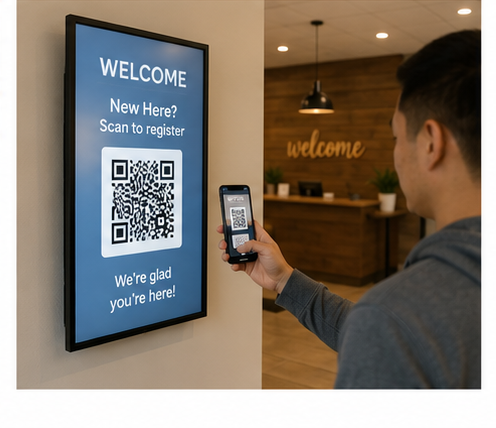
If your database is a mix of an old spreadsheet, a drawer full of connect cards, and a volunteer who keeps meaning to type them all in, B1 has a much faster way to start fresh: let people add themselves.
Under Mobile, then B1 Check-in in B1 Admin, you will find QR Guest Registration. Turn it on and B1 generates a QR code along with a plain link, both pointing to a simple registration form. Someone scans the code with their phone, or taps the link if you texted it to them, and they enter their own name, email, phone, and household. No app to download, nothing to install, just a quick form that opens right in their browser. Hit submit, and their person record is created in your database instantly.
Here is the trick: keep that QR code inside your building, on a lobby screen, the bulletin, or an announcement slide, rather than on your public website. That way you are capturing the people who are actually in the room with you on Sunday, not random visitors from the internet.
And since names, phone numbers, and emails are entered by the person themselves, the records tend to be far more accurate than anything typed in secondhand, which matters even more when that same information feeds into things like children's check-in and emergency contacts.
Pair it with a Workflow that triggers on new visitors, and every person who scans that code can automatically get a welcome email and land on a follow up board for your team, with no extra data entry on anyone's part. Want to hear the two hosts walk through the whole setup? Catch the full conversation on the ChurchApps Podcast.
Learn More at B1.church
New Feature
Your Church Can Now Blog, Right From B1
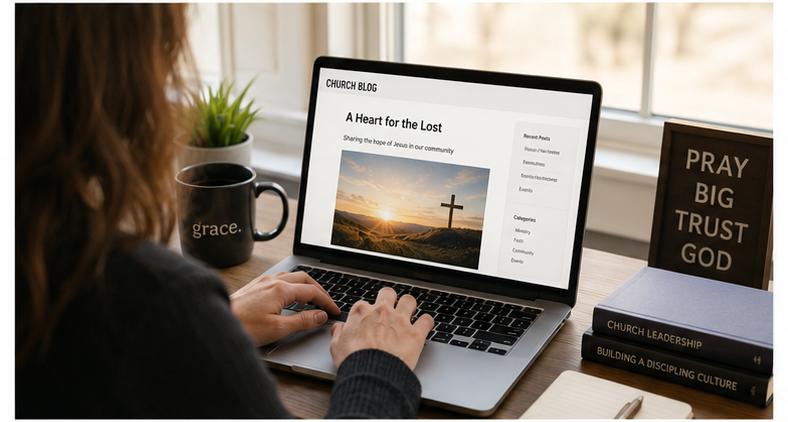
Got a story to tell between newsletters? B1 just added a built in blogging tool, so you can publish updates, devotionals, or event recaps straight to your church website without touching a separate page builder.
Head to your Website section in B1 Admin and you will find a new Blog tab. Add a post with a title, a featured image, and your content, B1 even lets you preview how it will look before you publish. Tag it with a category so visitors can browse by topic, and if you are not ready to publish yet, save it as a draft or schedule it for a future date. Once it is live, it shows up automatically at yourchurch.b1.church/blog.
It is a simple way to keep your website feeling active and current between big updates.
New Feature
Never Let a Follow Up Slip Through the Cracks
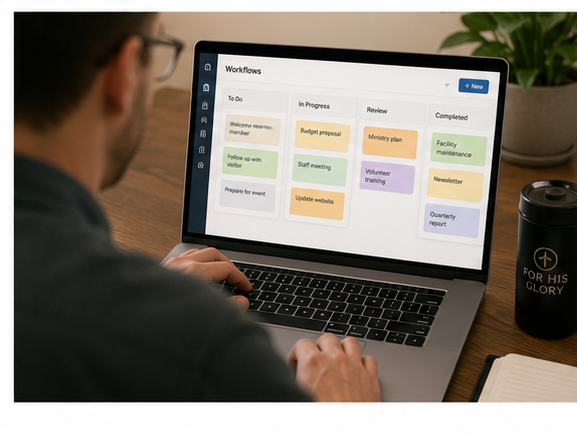
If you have ever had a first time visitor and thought "someone should follow up with them," B1's new Workflows feature is built for exactly that.
Think of a Workflow like sticky notes on a whiteboard. Each person becomes a card that moves across a board as your team follows up, from Send Welcome Email, to Personal Phone Call, to Invite to Next Step, and finally Connected. The best part is that steps can trigger automatically. When a new visitor is saved to B1, they can land on the board and receive a welcome email without anyone lifting a finger. From there, your team just clicks a button to move the card forward as each step is completed, and B1 keeps track of who is due for a call or an invitation.
Workflows are not just for visitors either. You can build one for first time givers, new members, or anyone your church wants to walk through a series of steps. Find it under Serving in B1 Admin.
New Feature
Book a Room or a Table Without the Group Text
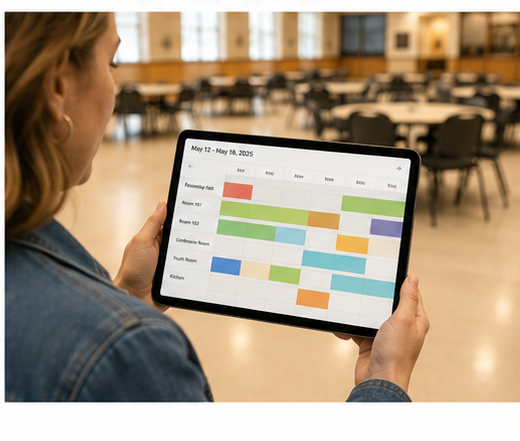
If your church has ever played phone tag over "is the fellowship hall free Saturday" or "who has the folding tables," B1's new Rooms & Resources feature is here to help.
From the Calendars section in B1 Admin, you can set up every room your church uses, along with its capacity, and every shareable item, like tables, chairs, or A/V equipment, along with how many you have on hand. Want a specific team to sign off before a booking is confirmed, say your facilities team approves room requests? Just assign an approval group, and B1 routes those requests to them automatically. No approval needed for something simple like a set of folding chairs? Leave it open and it books instantly.
There is also a live Availability calendar showing what is booked, what is still pending approval, and any blocked out times for maintenance or setup, all color coded so you can see conflicts at a glance. And if your team approves bookings, a dedicated Approvals page lists every pending request in one place, complete with a heads up if it conflicts with something already on the calendar.
It is one more way B1 helps your team spend less time coordinating logistics and more time focused on ministry.
New on Lessons.church
Three New Adult Studies Just Landed on Lessons.church
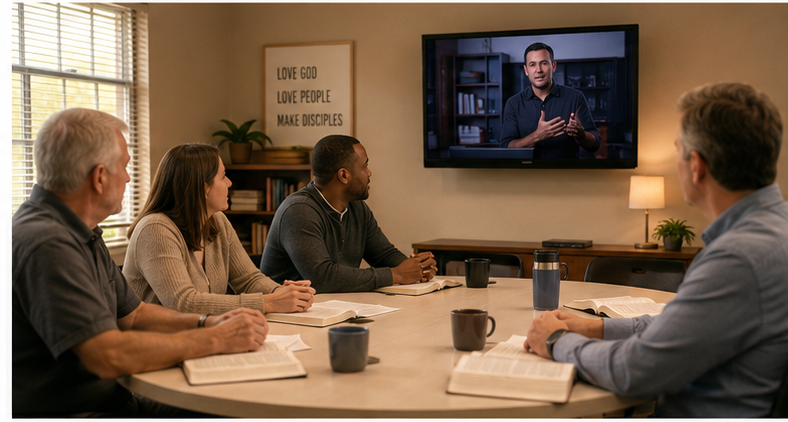
Looking for fresh material for your adult classes or small groups? Our friends at Ozark Christian College just added three brand new studies to NextLevel Online, and like everything on Lessons.church, they are completely free.
Strategies for Discipleship (Dr. Aaron Wheeler, 9 sessions) tackles the question every believer eventually asks: what's next? Using the idea of a spiritual spectrum, Dr. Wheeler walks through how to help someone grow from first joining the church all the way to a mature life of love, including the honest seasons of doubt in between.
Strategies for Evangelism (Dr. Aaron Wheeler, 9 sessions) is the perfect companion series. Instead of seeing people as simply saved or unsaved, you will learn to recognize where someone is on their journey, whether hostile, curious, or actively seeking, and how to do the right thing at the right time to help them take one more step toward Jesus.
The Book of Zephaniah (Dr. Jason Poznich, 5 sessions) shines a light on one of the most overlooked books in the Bible. Verse by verse, Dr. Poznich traces Zephaniah's message from the coming day of the Lord to its surprising ending, a God who rejoices over his people with singing.
Every session includes a teaching video, discussion questions, and downloadable handouts, ready to use in a classroom, small group, or on your own. Find them all under NextLevel Online at lessons.church.
Explore NextLevel Studies